


%201.webp)
JOINT ACCOUNTS
Build Wealth Together
Invest for the big things — together. One joint account for the goals that matter most.


Invest more, together
Combine funds, leverage your collective financial strength, and move toward your goals faster.

One account, instant access
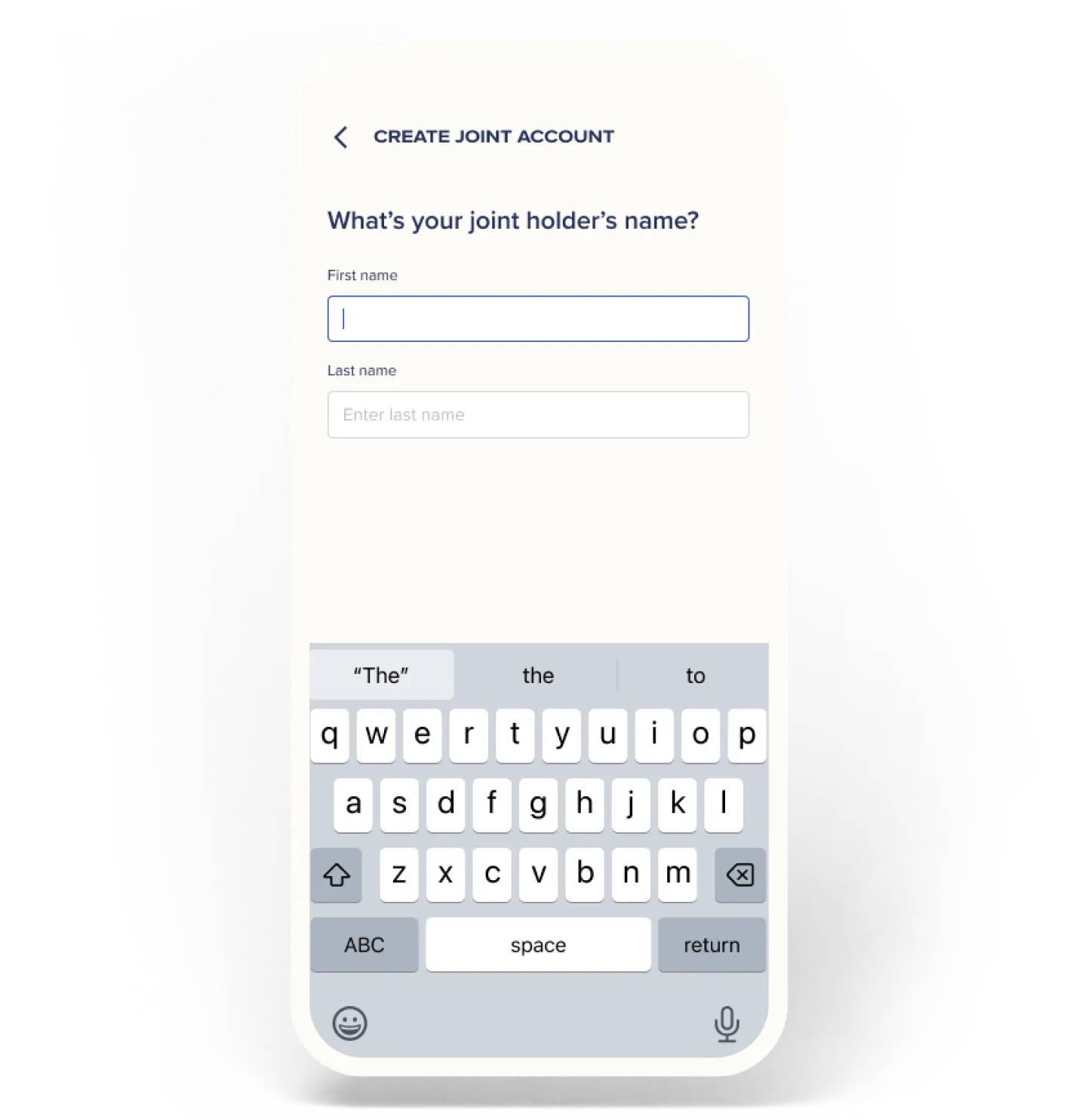
No extra login. No separate app. Your joint accounts live right inside Syfe — switch between them instantly.

Up to 5 joint accounts
Invest with your spouse, your parents, your kids — each relationship gets its own joint account.
Invest with your inner circle
Open up to 5 separate joint accounts with any family member — spouse, parent, child, or sibling.

Double the momentum for your shared goals

CO-INVEST IN YOUR VISION
Use joint portfolios to build a diversified strategy. Whether it’s stocks, bonds, or REITs, two sets of contributions mean you reach your investment goals sooner.

AUTOMATE SHARED GROWTH
Set up recurring transfers from both partners to take the emotion out of investing. Build a consistent habit that grows your collective net worth effortlessly.

FUND LIFE’S MAJOR MILESTONES
Scale your ambitions by pooling your resources. Combining your buying power lets you tackle major milestones like a home or a family on a much faster timeline.
.webp)




Related articles
%201.webp)

FAQs
Who can I open a joint account with?
Syfe Joint Accounts are available to legal family members only — spouses, parents and children, grandparents and grandchildren, and siblings. Both parties must each hold an individual active Syfe account before a joint account can be opened.
Do I need a separate login to access my joint account?
No. Your joint account lives inside your existing Syfe account. You can switch between your individual and joint accounts with a single tap — no separate login or app needed.
What happens if my co-holder doesn't have a Syfe account yet?
Both parties need to hold an individual active Syfe account before a joint account can be opened. Your co-holder can sign up for a Syfe account first, then you can proceed to open the joint account together.
Which portfolios are available for joint accounts?
Joint accounts support all existing Syfe portfolios — including Core (Defensive, Balanced, Growth, Equity100), Income+, Cash+, and Syfe Brokerage. The only exceptions are SRS portfolios and Options trading, which are not available for joint accounts.